Start Your Web Dev Journey: Essential Tools & Setup (Beginner Friendly!)
Welcome to our beginner-friendly Web Development tutorial series!

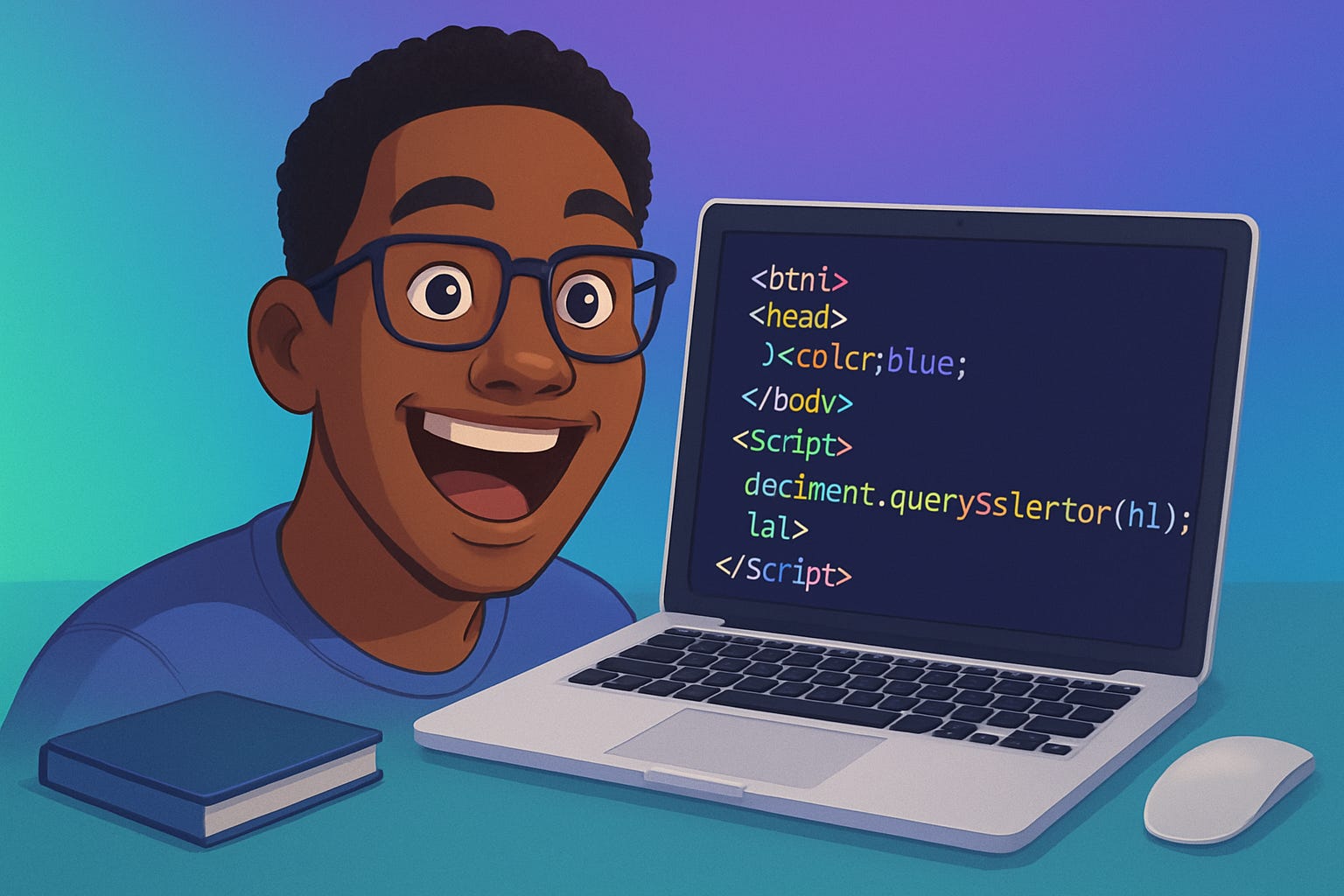
Welcome to our beginner-friendly Web Development tutorial series! Whether you're completely new to coding or looking to refresh your foundational skills, this series is designed specifically to guide you step-by-step from zero to confidently building your own websites.
Throughout this series, you'll dive into essential web technologies: HTML for structuring content, CSS for styling and layouts, and JavaScript for adding interactivity and dynamic features. Each tutorial is project-based and broken down into easy-to-follow, bite-sized videos (5–10 minutes each), ensuring you quickly grasp key concepts and immediately apply them. We'll also explore critical foundational topics such as how the web actually works, essential tools like VS Code and Chrome DevTools, and even cover practical aspects like domain registration and hosting your site online.
By the end of this series, you'll not only have built your first portfolio website from scratch, but you'll also have gained a robust set of skills that you can proudly showcase or build upon for future projects and career opportunities.
Let's get started on your exciting journey into the world of web development!
Video 1: Introduction & Foundations
In this introductory video, we'll explore what web development is, how the web functions, essential tools for web developers, and the basics of domains and hosting. You'll also complete a mini-project: setting up your first HTML file and viewing it in a browser.
Glossary & Terms Definition:
Web Development: Creating websites and web applications.
HTML (HyperText Markup Language): The standard language for structuring web pages.
CSS (Cascading Style Sheets): Used to style and layout web pages. JavaScript: A programming language used to create dynamic and interactive effects on web pages.
HTTP (Hypertext Transfer Protocol): Protocol used for transferring web pages on the internet.
Domain: The unique web address users type to reach your site (e.g., www.example.com).
Hosting: Service that makes your website accessible online by storing your files on a server.
Tools Mentioned:
VS Code: Free, powerful code editor Download VS Code https://code.visualstudio.com/
Chrome DevTools: Built-in browser tool for inspecting and debugging Learn more https://support.google.com/chrome/answer/95346?hl=en-GB&co=GENIE.Platform%3DDesktop
Live Server Extension (VS Code): Allows you to view your HTML file in real-time Live Server Extension
GitHub Pages:
Free hosting solution for your web projects
GitHub Pages https://pages.github.com/
Netlify: Easy deployment and hosting platform
https://www.netlify.com/
Vercel: Platform for deploying frontend projects https://vercel.com/